AI Video Clipping API: Clip Long Videos Into Shorts (cURL, Python, Node, No Minimum per Job)
An AI video clipping API that turns long videos into captioned Shorts: copy-paste cURL, Python and Node, the response schema, webhooks and costs.
To clip a long video into Shorts with an API:
- Send
POST https://renderster.com/mediawith{"url": "...", "type": "clips"}and your key inX-API-Key. - Poll the
status_urlyou get back (or pass awebhook_url). - When
statusiscompleted, readresult.clips: each clip has a video link, title, hook and hashtags.
One job costs 7 credits, whatever the video's length. Get an API key →
This guide is for developers, SaaS teams that resell clips, and agencies with a backlog of long videos. It has the parts most "clipping API" articles skip: code you can run, the real response, how to wait for results, what errors look like, and what each call costs.
What you'll build
A script that takes any video link (YouTube, TikTok, Instagram, X, Facebook, Vimeo or a direct MP4) or an uploaded file, and gets back 1 to 12 vertical clips. Each clip is cut around a complete idea, cropped to 9:16 around the speaker, has word-by-word captions burned in, and comes with:
- a title, a hook (the opening line), a description and hashtags, in the video's language;
- a score from 0 to 100, broken down into hook, flow, value and trend;
- a signed download link on renderster.com, so you don't need your own storage to share it.
The AI favors the moments YouTube viewers replay the most when the video has that data.
Get an API key
Create an account, then open the API Key page. Copy your personal key. Send it as X-API-Key: YOUR_API_KEY (or Authorization: Bearer YOUR_API_KEY).
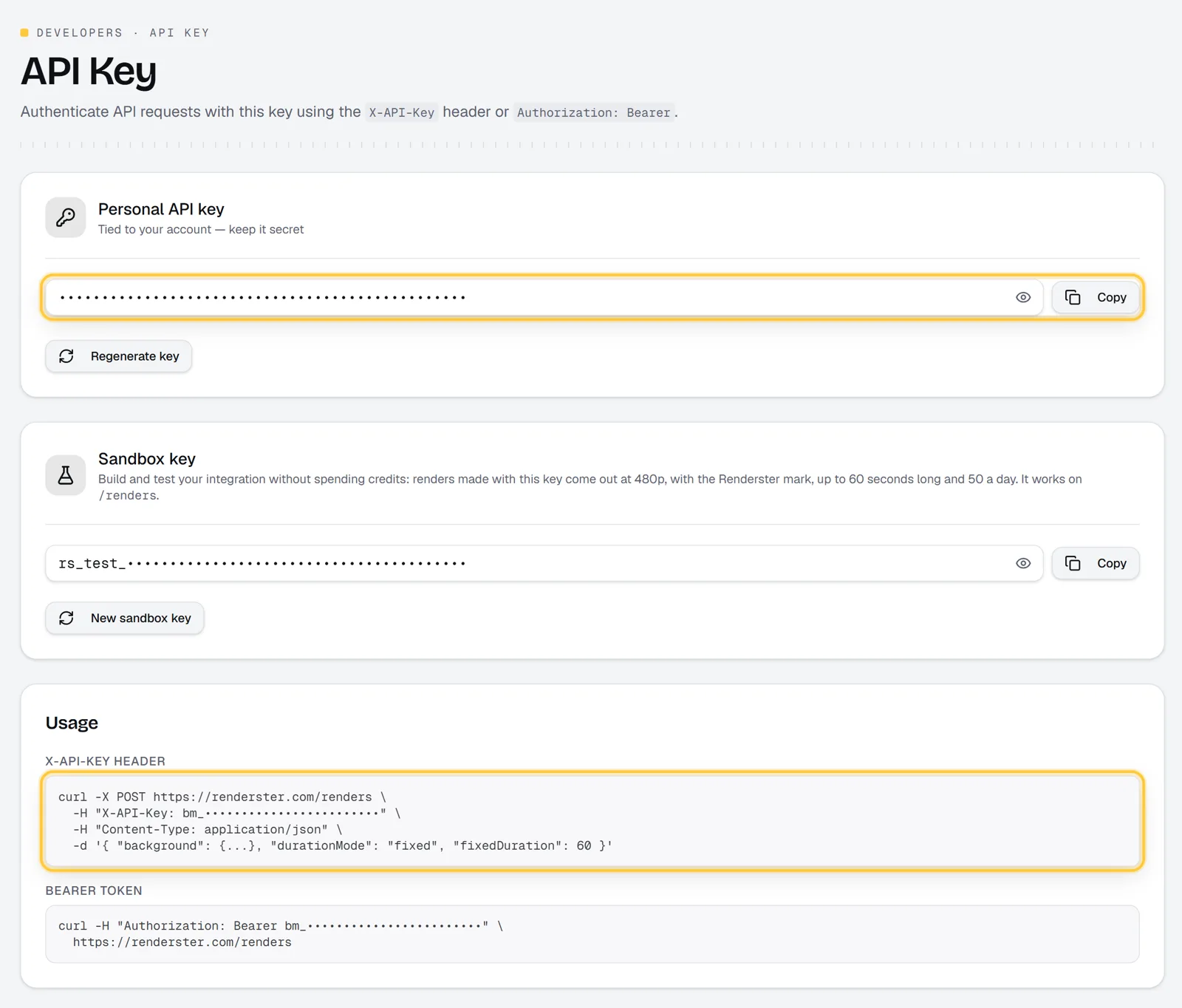
The API is on every plan, including Free. On Free you get one clips job with up to 3 clips, enough to test your integration end to end. More jobs, downloads and transcripts need a paid plan, and paid plans start with a 7-day free trial.
Keep the key on your server. Don't ship it in a mobile app or front-end bundle.
Create a clips job (cURL, Python, Node)
cURL
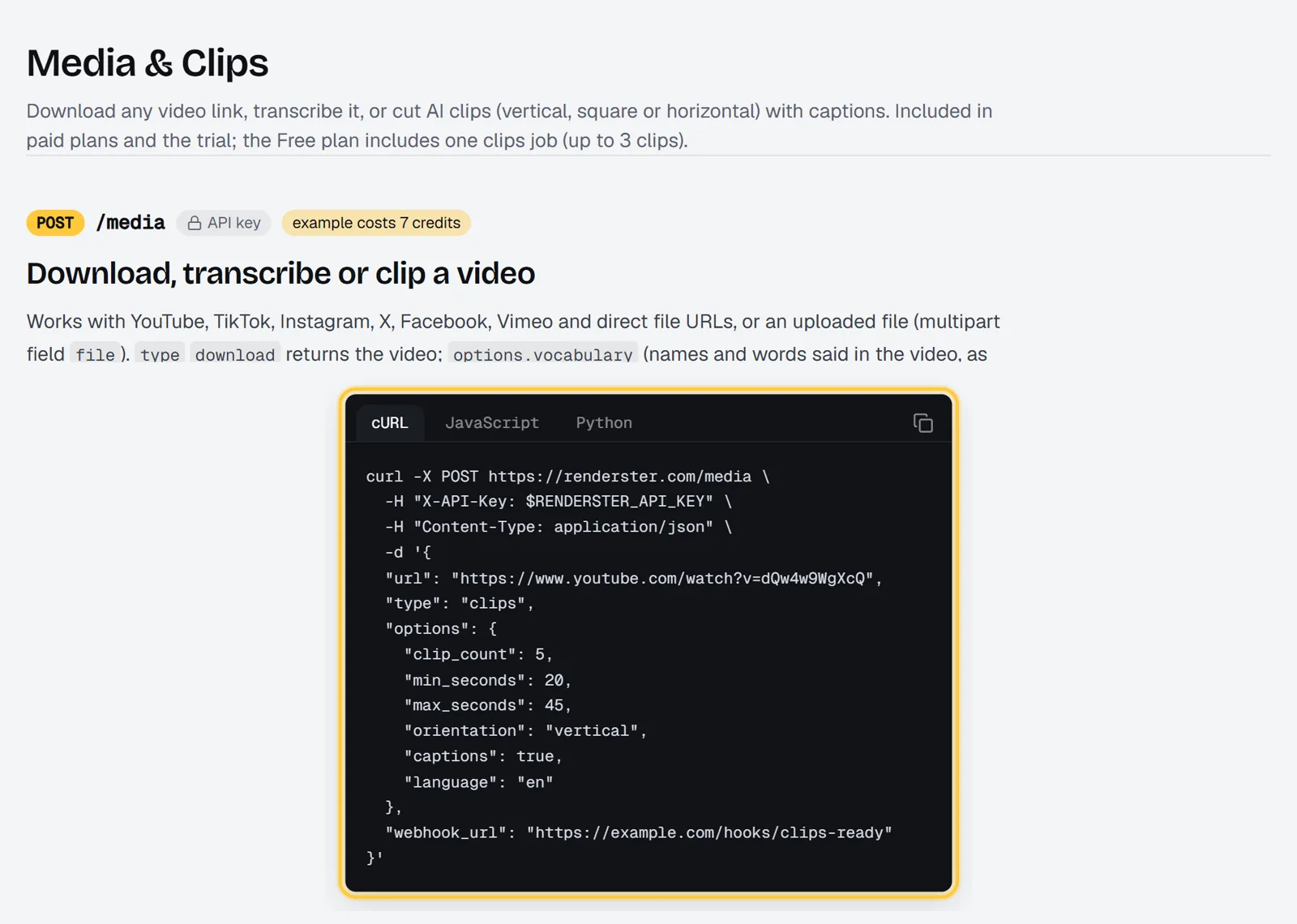
curl -X POST https://renderster.com/media \
  -H "X-API-Key: YOUR_API_KEY" \
  -H "Content-Type: application/json" \
  -H "Idempotency-Key: episode-142" \
  -d '{
    "url": "https://www.youtube.com/watch?v=VIDEO_ID",
    "type": "clips",
    "options": {
      "clip_count": 5,
      "min_seconds": 20,
      "max_seconds": 45,
      "orientation": "vertical",
      "captions": true,
      "language": "en"
    }
  }'
Python
import os, time, requests

API = "https://renderster.com"
HEADERS = {"X-API-Key": os.environ["RENDERSTER_API_KEY"]}  # YOUR_API_KEY

job = requests.post(f"{API}/media", headers={**HEADERS, "Idempotency-Key": "episode-142"}, json={
    "url": "https://www.youtube.com/watch?v=VIDEO_ID",
    "type": "clips",
    "options": {"clip_count": 5, "max_seconds": 45, "captions": True},
}, timeout=60)
job.raise_for_status()
status_url = job.json()["status_url"]

while True:
    j = requests.get(status_url, headers=HEADERS, timeout=30).json()
    if j["status"] in ("completed", "failed", "cancelled"):
        break
    time.sleep(10)

if j["status"] != "completed":
    raise RuntimeError(j["message"])
for clip in j["result"]["clips"]:
    print(clip["index"], clip["title"], round(clip["duration"]), "s", clip["url"])
Node (18+)
const API = 'https://renderster.com'
const headers = { 'X-API-Key': process.env.RENDERSTER_API_KEY } // YOUR_API_KEY

const res = await fetch(`${API}/media`, {
  method: 'POST',
  headers: { ...headers, 'Content-Type': 'application/json', 'Idempotency-Key': 'episode-142' },
  body: JSON.stringify({
    url: 'https://www.youtube.com/watch?v=VIDEO_ID',
    type: 'clips',
    options: { clip_count: 5, max_seconds: 45, captions: true },
  }),
})
if (!res.ok) throw new Error(`${res.status} ${await res.text()}`)
const { status_url } = await res.json()

let job
do {
  await new Promise(r => setTimeout(r, 10_000))
  job = await (await fetch(status_url, { headers })).json()
} while (!['completed', 'failed', 'cancelled'].includes(job.status))

if (job.status !== 'completed') throw new Error(job.message)
for (const c of job.result.clips) console.log(c.index, c.title, c.url)
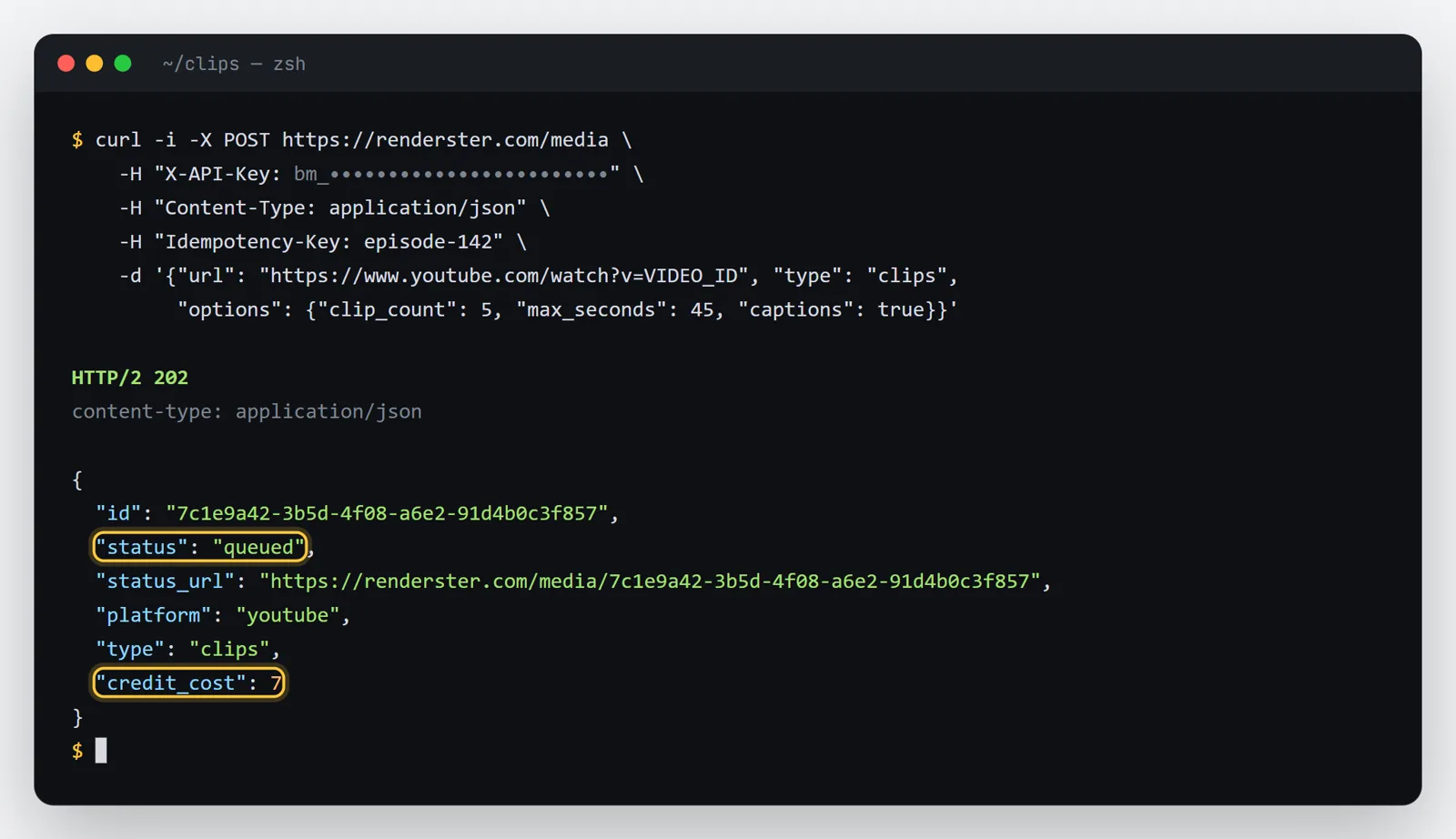
The create call answers in about a second with 202 Accepted. The work runs in the background; a clips job usually takes a few minutes.
Uploading a file instead of a link
Send multipart/form-data with the file in file, plus type and options (as a JSON string). Uploads go up to 2 GB.
curl -X POST https://renderster.com/media \
  -H "X-API-Key: YOUR_API_KEY" \
  -F "file=@episode-142.mp4" \
  -F "type=clips" \
  -F 'options={"clip_count": 3, "captions": true}'
Options: length, layout, captions, topic, language
Everything goes in options. All fields are optional.
| Option | Default | What it does |
|---|---|---|
clip_count |
5 | 1 to 12 clips |
min_seconds / max_seconds |
20 / 60 | Clip length range (max 180) |
orientation |
vertical |
vertical (9:16), square, horizontal (16:9) or original |
captions |
false in the API | true burns word-by-word captions |
caption_style |
karaoke |
bold, highlight, single, boxed, clean, neon, box, beast, cortes, minimal (GET /media/caption-styles) |
caption_position |
safe |
safe keeps captions clear of the app buttons; or top, middle, bottom |
language |
auto | Spoken language, ISO 639-1 (en, pt, es…) |
caption_language |
spoken | Translate captions, titles and hashtags to en, pt, es, fr, de, it, nl or tr |
topic |
none | Keep only moments about a subject: "the part about pricing" |
layout |
auto |
two_speakers stacks two people (podcasts); gaming puts the facecam on top of the game |
hook_title |
false | The clip's title in a box during the first seconds |
hook_montage |
false | Opens each clip with its strongest line (a 2–6 s teaser), then plays the clip |
remove_silences |
false | Cuts pauses and "um"s inside each clip, same price |
vocabulary |
none | Names as written ("Kellen, Renderster") so captions spell them right |
segments |
none | [{"start": 61.5, "end": 92}] cuts exactly these ranges instead of letting the AI pick |
max_height |
1080 | 1440 or 2160 for 1440p/4K clips (Business plan, charged twice) |
There are also visual options for videos where the picture matters more than the speech (visual_query, reframe: "per_shot", reject_watermark, compose: "shots"). They're in the API reference.
A good default for a podcast:
{
  "url": "https://www.youtube.com/watch?v=VIDEO_ID",
  "type": "clips",
  "options": {
    "clip_count": 8,
    "min_seconds": 30,
    "max_seconds": 60,
    "layout": "two_speakers",
    "captions": true,
    "caption_style": "bold",
    "hook_title": true
  }
}
Want to know cost and time before you commit? POST /media/preview with {"url": "..."} returns the video's metadata, the credit cost of each job type and, when the length is known, eta_seconds. It doesn't create a job.
Get the result: webhook vs polling
Polling is the simplest. GET the status_url every 10 to 30 seconds until status is completed, failed or cancelled. Status reads don't cost credits, and the limit (1,200 a minute per account) is far above what you'll need.
Webhooks save the loop. Add "webhook_url": "https://your-app.com/hooks/clips" to the body. When the job ends, Renderster POSTs:
{"id": "0f8b6c2e-5d1a-4c3e-9b7f-2a6d8e4c1b90", "status": "completed", "output_url": "https://renderster.com/files/…"}
or, on failure, "status": "failed" with an error message. The webhook doesn't carry the clips: call GET /media/{id} to read them. Things to know:
- It's tried 3 times (about 1 s and 4 s apart). Any answer below 500 counts as delivered, so answer
200fast and do the work in the background. - It's only sent to public addresses.
localhostand private networks are skipped; use a tunnel or polling while you develop. - Treat it as a hint. Always confirm the status with a GET before you act.
Response schema
POST /media answers 202:
{
  "id": "0f8b6c2e-5d1a-4c3e-9b7f-2a6d8e4c1b90",
  "status": "queued",
  "status_url": "https://renderster.com/media/0f8b6c2e-5d1a-4c3e-9b7f-2a6d8e4c1b90",
  "platform": "youtube",
  "type": "clips",
  "credit_cost": 7
}
GET /media/{id} returns the job. When it's done, the clips are in result.clips (shortened here):
{
  "id": "0f8b6c2e-5d1a-4c3e-9b7f-2a6d8e4c1b90",
  "status": "completed",
  "progress": 100,
  "message": "Completed",
  "expires_at": "2026-10-17T14:00:00Z",
  "result": {
    "type": "clips",
    "platform": "youtube",
    "source": {"title": "Episode 142", "author": "My Podcast", "duration": 3615},
    "clips": [
      {
        "index": 1,
        "url": "https://renderster.com/files/Xk3pQ9vLm2Rt7aBc/media/…/clip_01.mp4",
        "thumbnail": "https://renderster.com/files/…/clip_01.jpg",
        "start": 842.1,
        "end": 888.4,
        "duration": 46.3,
        "title": "Why we stopped charging per seat",
        "hook": "We lost our biggest customer over one line in the contract",
        "description": "The pricing change that doubled retention.",
        "hashtags": ["#saas", "#pricing", "#startups"],
        "score": 91,
        "scores": {"hook": 88, "flow": 92, "value": 90, "trend": 74},
        "aspect": "9:16"
      }
    ],
    "warnings": []
  }
}
Clips come sorted by score, highest first, with start/end in seconds of the original video. layout appears on a clip that got the gaming or two-speaker layout. If a layout couldn't be applied to a clip, that clip keeps the normal crop and warnings says so.
About the links
Every url and thumbnail is a signed link on renderster.com: /files/<signature>/<key>. No API key is needed to open it, so you can hand it straight to your users, a scheduler or a CMS. It supports Range (players can seek), HEAD, ETag, and ?download=1 to force a download. A changed or expired link answers 404. The job's expires_at is when its files may be deleted; copy clips you need to keep to your own storage before then.
Errors, retries and credits back on failure
| Status | When | What to do |
|---|---|---|
400 |
Bad JSON or an invalid option; the error message names the field |
Fix the request |
401 |
Missing or wrong key | Check the header |
402 |
insufficient credits (with your balance and the cost), or a plan code such as plan_required or free_clip_used |
Top up or upgrade; plan errors include an upgrade_url |
422 |
A link Renderster can't read as a video | Check the URL |
429 |
rate_limited (30 media jobs a minute per account) or daily_limit |
Wait for Retry-After |
5xx |
Our side | Retry with the same Idempotency-Key |
Three rules make retries safe:
- Send an
Idempotency-Keyon everyPOST /media. The same request with the same key within 24 hours returns the first answer instead of creating (and charging) a second job. Use something stable, like your own episode ID. - A failed job gives its credits back.
status: "failed"with amessagesaying why. You don't need to file a refund. - Cancel what you don't need.
DELETE /media/{id}cancels a queued or running job and returns its credits.
Two more calls save money after a job finishes:
POST /media/{id}/clipscuts new clips from the same video with different options, without downloading it again.POST /media/{id}/clips/{index}/renderre-renders one clip with a new start/end, title or caption style for 1 credit.
And GET /media/{id}/export.xml gives the clips as a timeline for Premiere Pro, DaVinci Resolve or Final Cut, if an editor wants to finish them by hand.
Costs vs the OpusClip API
Renderster charges per video. OpusClip's API charges per minute of input video. From OpusClip's API docs, as of October 2026: "1 Credit = 1 minute of video processing", "API projects have a 10-credit minimum", and API access is on the Pro (Beta), Max and Business plans, with 900 credits (15 hours) of API usage a month on Pro (Beta) and Max (overview, limits).
| Source video | OpusClip API credits | Renderster credits |
|---|---|---|
| 5 min | 10 (the minimum) | 7 |
| 30 min | 30 | 7 |
| 60 min | 60 | 7 |
| 120 min | 120 | 7 |
Credits aren't the same money on both sides, so compare dollars on your own plan. On Renderster's Starter (US$29 for 600 credits), 7 credits is about US$0.34 per video. Pro is US$79 for 2,000 credits and Business US$199 for 6,000, which brings a job to about US$0.28 and US$0.23. Unused credits roll over up to 3x your monthly amount. See /pricing and the side-by-side at /vs/opusclip.
Where OpusClip may suit you better: if you need their editor, brand templates and social scheduler in the same tool, or a team already lives in their app.
Going further: transcript, dub, auto edit in the same API
Same endpoint, same key, a different type:
type |
What you get | Cost |
|---|---|---|
download |
The video as MP4 plus metadata | 1 credit |
transcript |
Text with timestamps, SRT, VTT and JSON with word timings | 2 credits |
clips |
This guide | 7 credits |
auto_edit |
The whole video edited: pauses and retakes cut, zooms, captions, title, sound effects, optional music and cutaways | 3 credits per minute of the edited video (up to 30 min of source) |
dub |
The speech translated and voiced in one of 16 languages (options.dub_language), with an SRT |
5 credits per minute (up to 20 min) |
Everything except the Free plan's clips job needs a paid plan.
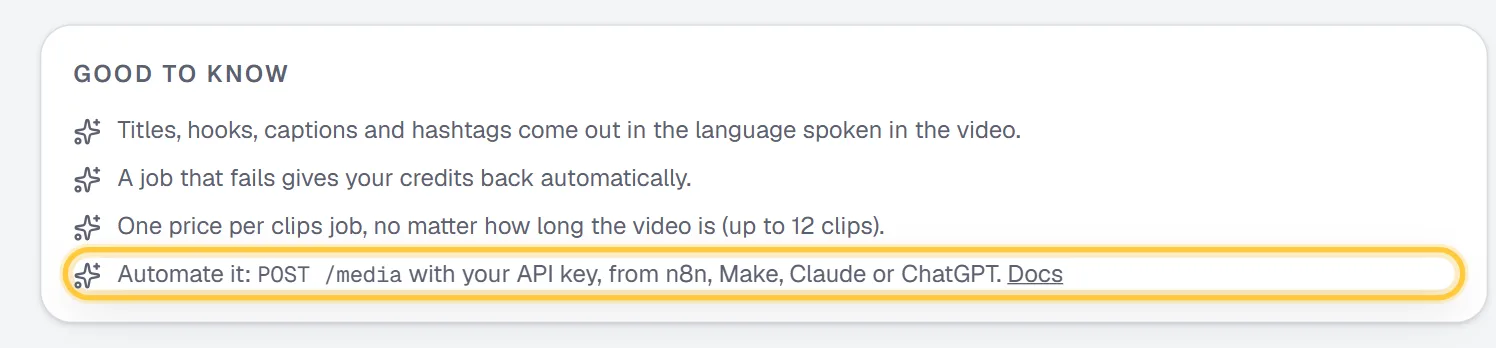
If you'd rather not write code, the same job runs from n8n with a ready workflow, or from a chat in Claude or ChatGPT. Full reference with every field: /docs.
FAQ
Is there an API to turn long videos into Shorts?
Yes. POST https://renderster.com/media with type: "clips" takes a link or an uploaded file and returns 1 to 12 vertical clips with captions, titles, hooks and hashtags. You poll the job or get a webhook when it's done.
How much does an AI video clipping API cost?
On Renderster, a clips job is 7 credits per video, with no per-minute charge and no minimum per job: about US$0.34 on the Starter plan, less on larger plans. Per-minute APIs charge by the source length, so a 60-minute podcast costs about 60 credits there.
Does the API work on the free plan?
Yes. The Free plan includes one clips job with up to 3 clips through the API, the web app or MCP. Downloads, transcripts, more jobs, auto edit and dubbing need a paid plan, which starts with a 7-day free trial.
Can I use it with YouTube links, or do I need to upload the file?
Both. Send a YouTube, TikTok, Instagram, X, Facebook or Vimeo link, a direct file URL, or upload the file as multipart (up to 2 GB). Clip only videos you have the rights to use.
How long does a clips job take?
Usually a few minutes, depending on the video's length. POST /media/preview gives an estimate (eta_seconds) before you create the job.
Where are the clip files hosted?
On Renderster, as signed links on renderster.com that open without an API key and support streaming and downloads. Each job has an expires_at date; copy the clips to your own storage if you need them after that.